Wait. Who is humanforce?
Humanforce is a workforce management solution software designed for businesses of all sizes.
They are present in 18+ countries, and their software operates in 1300+ businesses worldwide.
Background
In 2020, the world went through a massive change where we saw challenges impacting retention, social distancing, and forcing systems and companies to shift.underwent a massive change, with challenges impacting retention, social distancing, and forcing systems and companies to adap
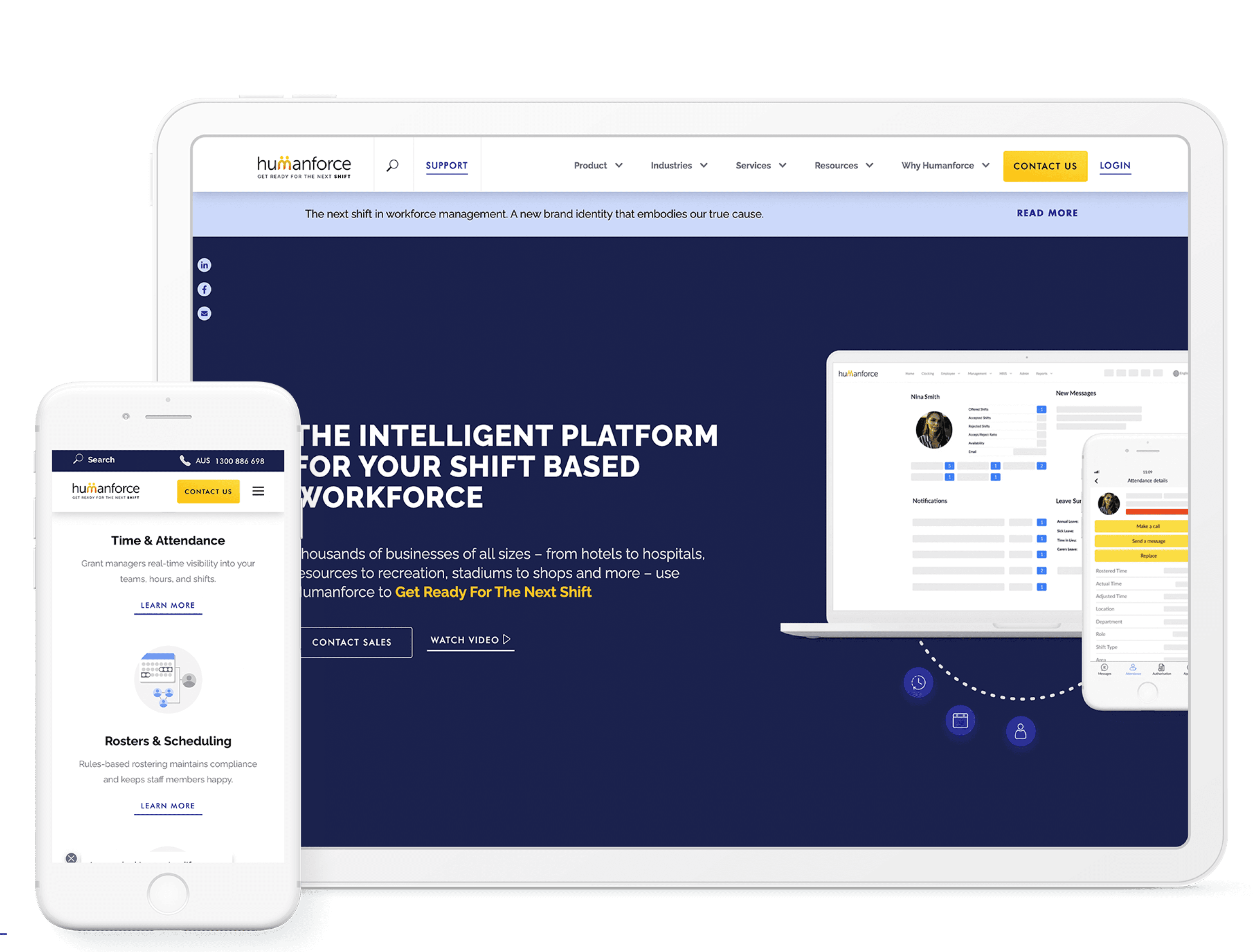
Fortunately, Humanforce saw an opportunity in rebranding the company and asked me to redesign the website, which would give them a significant edge in increasingly competitive markets.
The new website focuses on the shift workers, managers & products that make every workplace run as smooth as possible, tangible and meaningful, while the whole world is shifting.
Period
1 quarter
2021
My Role
Team
Product Manager,
Engineering Manager,
2+ Developers
Content writer
Tools
The challenge
Design an entirely new brand refresh for Humanforce.
Create a brand guideline and UI style guide for the team to use, starting from scratch, as there are no previous brand guidelines to follow.
By reflecting the new brand vision, create a new responsive website from scratch, utilising customer insights & ideation, as well as UX/UI & business skills.

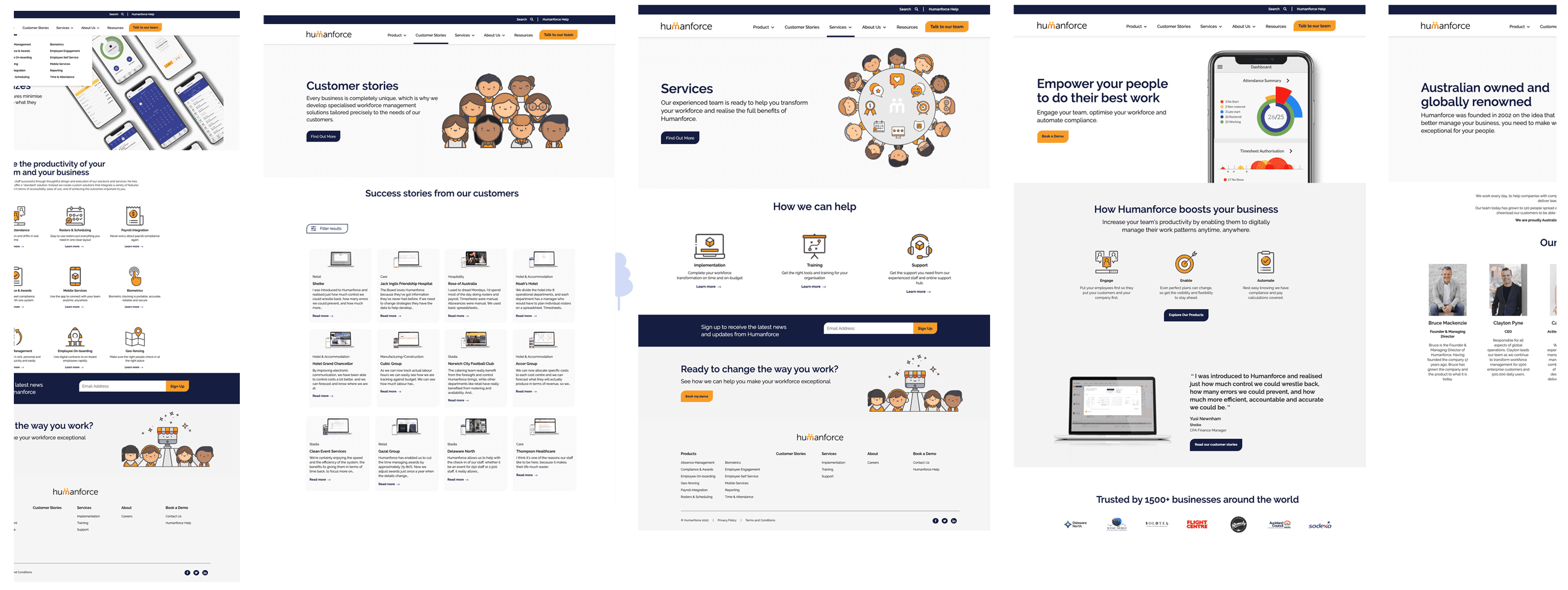
Old website
Milestone setting
I worked as a designer on the project, pitching the new brand direction, then creating marketing materials and a brand guideline. Based on the latest style, I redesigned the website as a UX and UI designer, managing two freelancers, a marketing assistant, a content writer, and developers to build the new website.
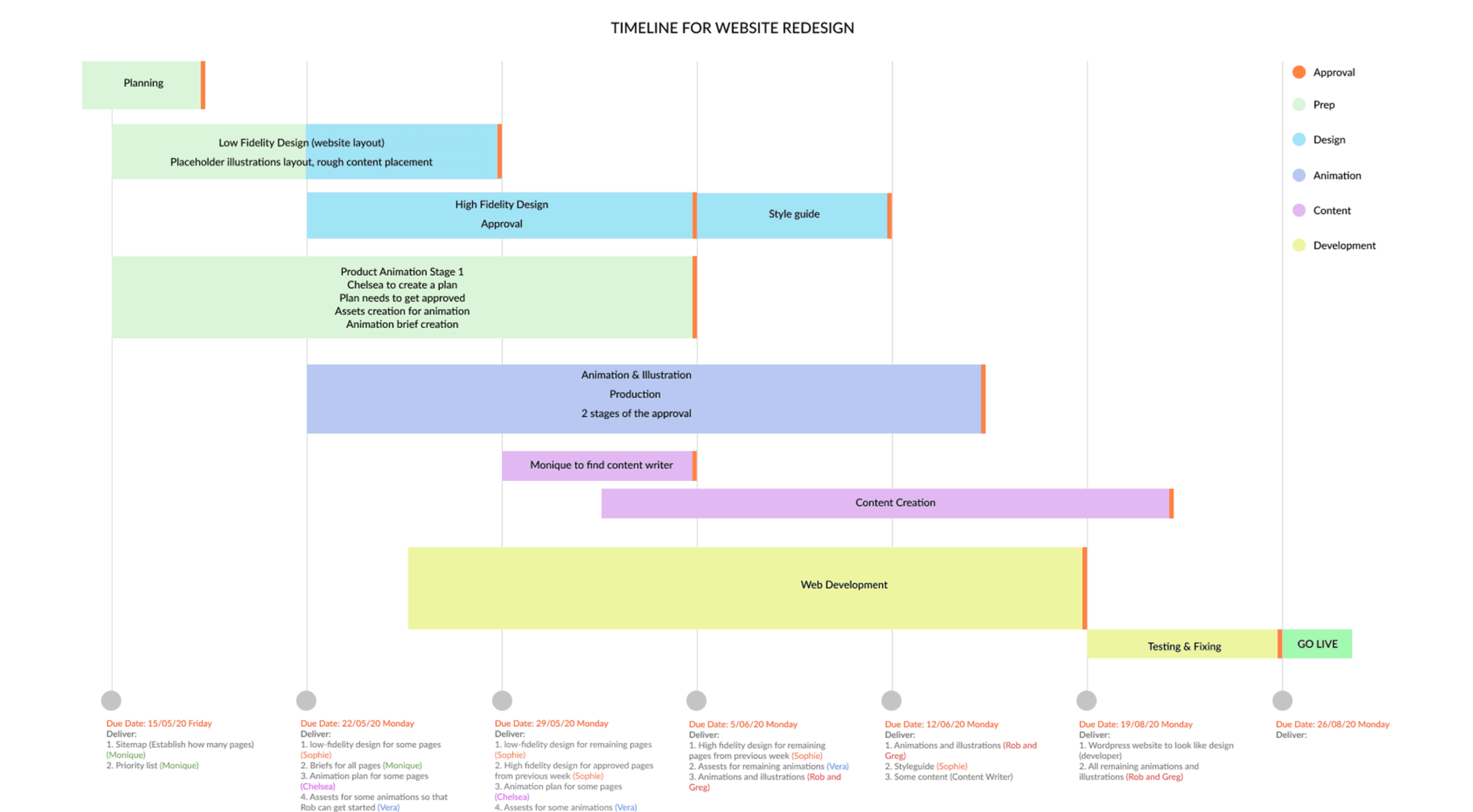
The first step was to create a brand refresh by examining the vision & mission, brand attributes, future goals, and a new brand message. Second, I created a roadmap for the website redesign, mapping out the planning stages, strategies, approval stages, and assigning staff. I presented it to the SLT & founder and began the work.
Project timeline: 4 months.
Strategy. Rebranding.
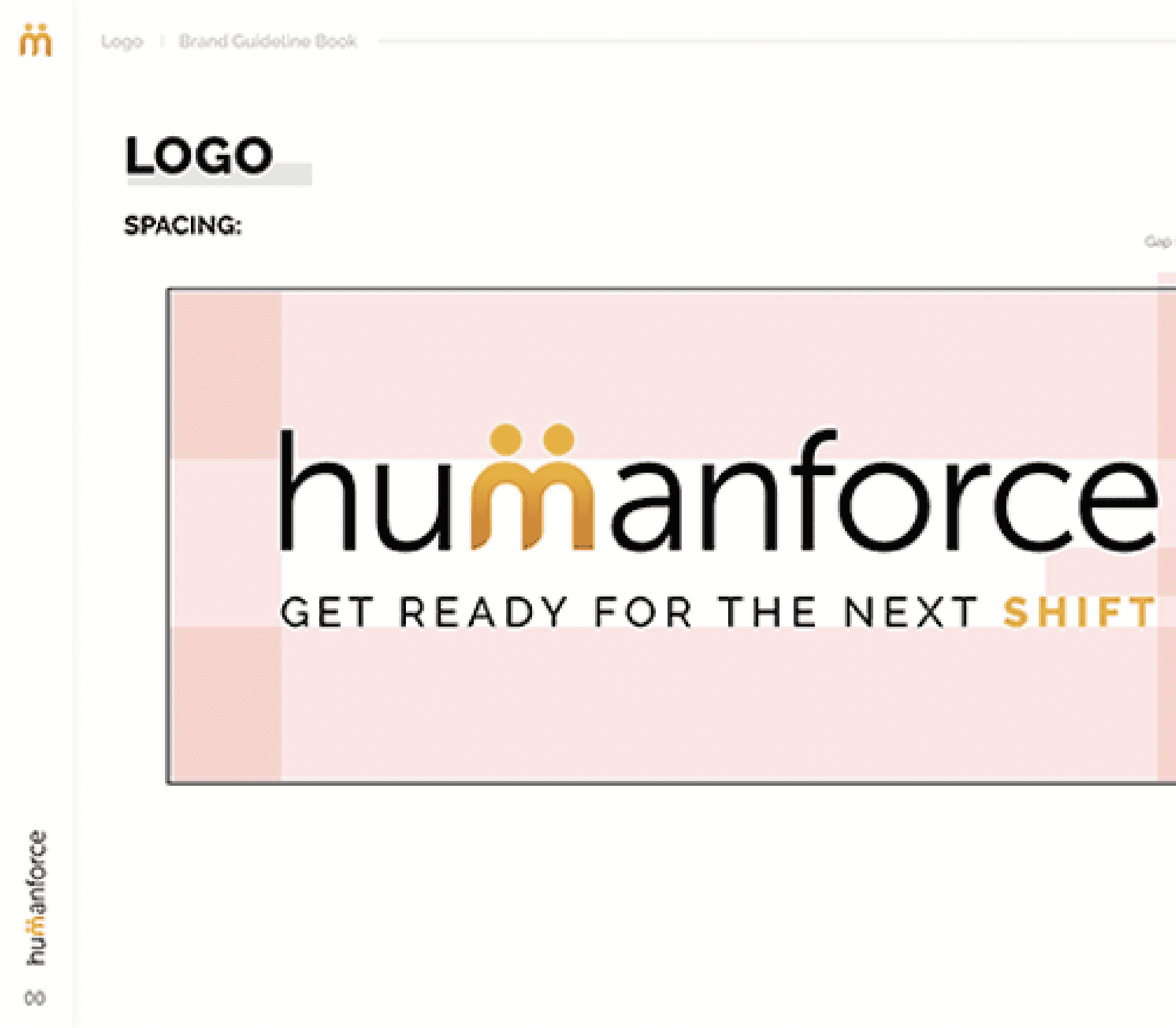
Brand Guideline.
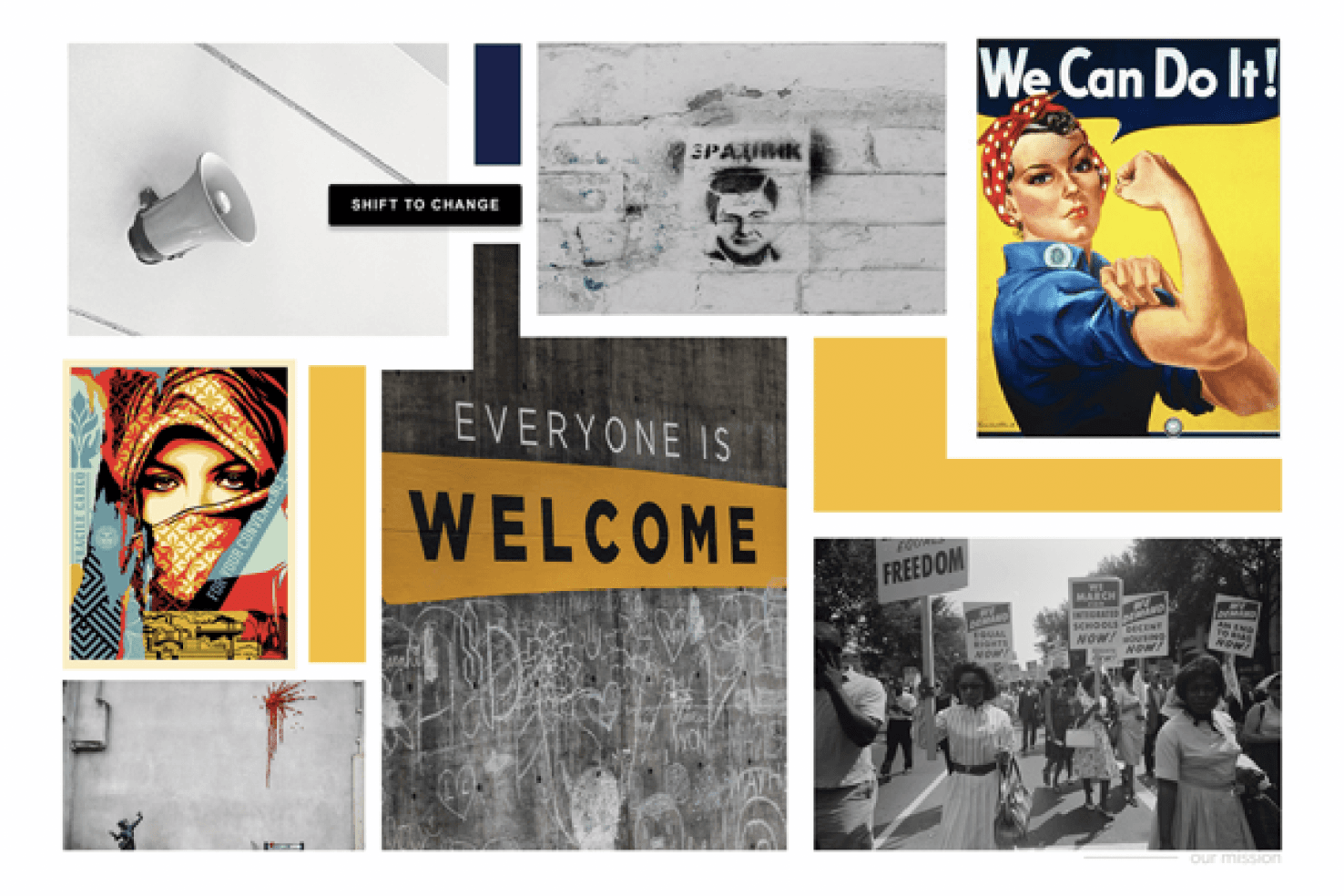
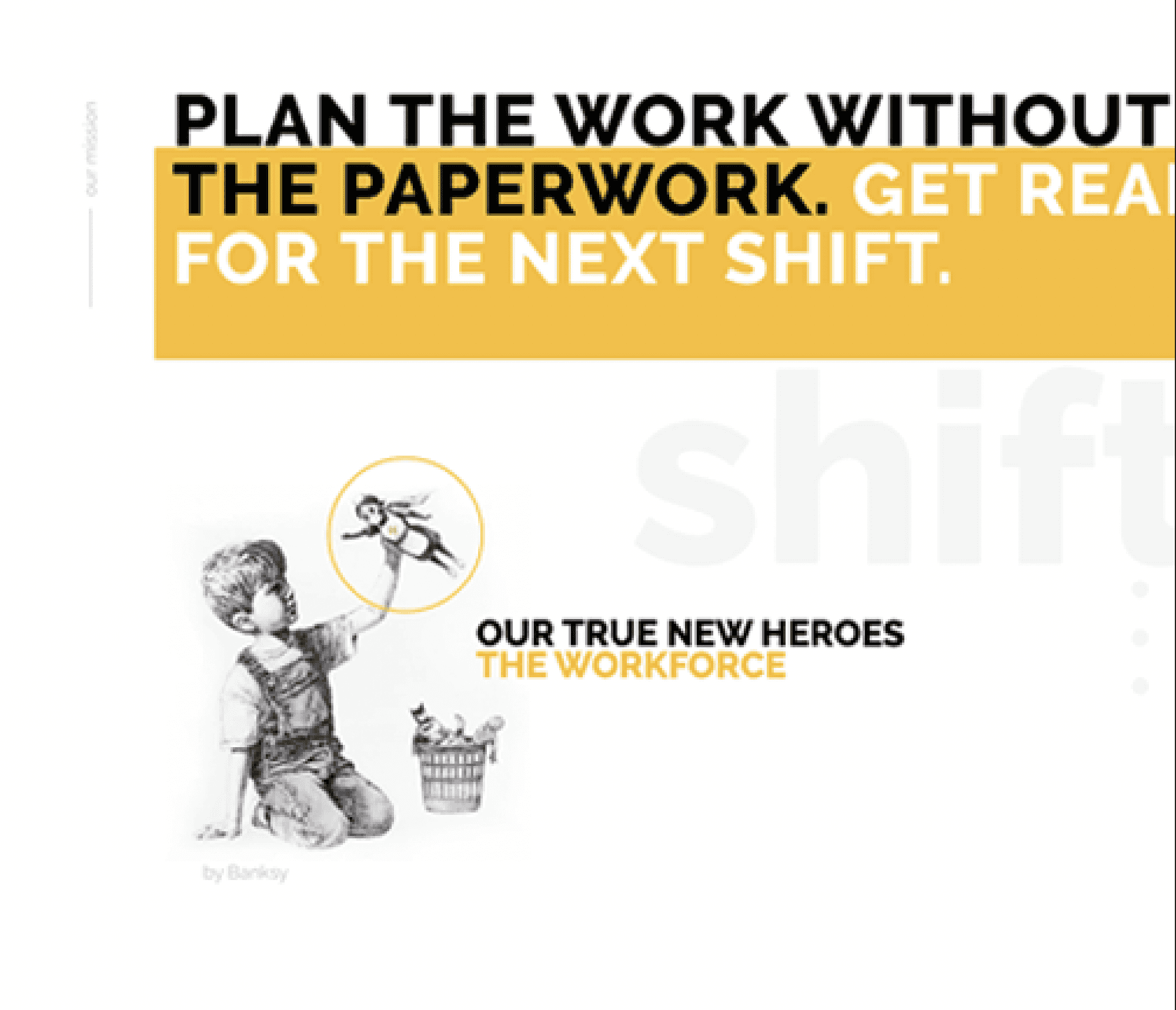
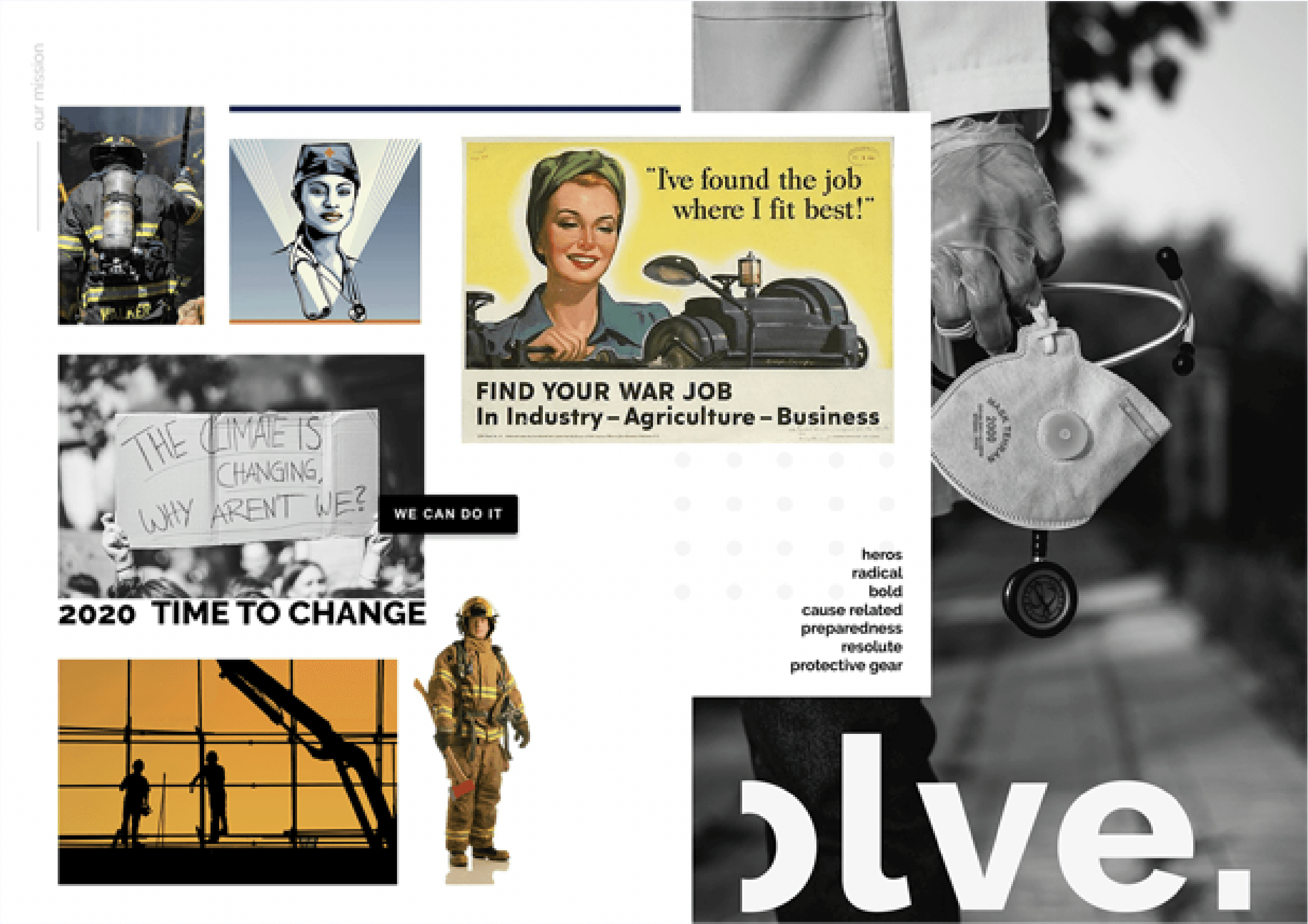
After conducting competitor and business research, I began conceptualising the brand style with a mood board and brand guidelines.
Inspired by the workforce, the brand refresh had to reflect the employees who are ready to take on any shifts, want to make changes in 2021, improve their work processes, and are passionate about what they do.
I developed a colourway featuring a pop of colours, unique illustrations, and a typography system, meeting WCAG level AA Accessibility Standards.
For more information, visit the “Rebranding” project on my Behance.
Understanding the customer & business goals.
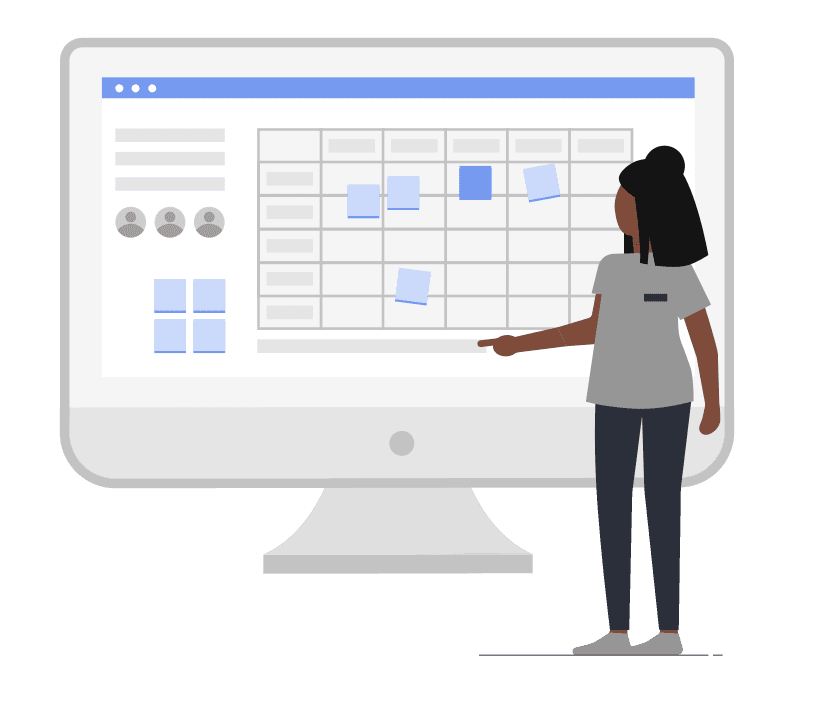
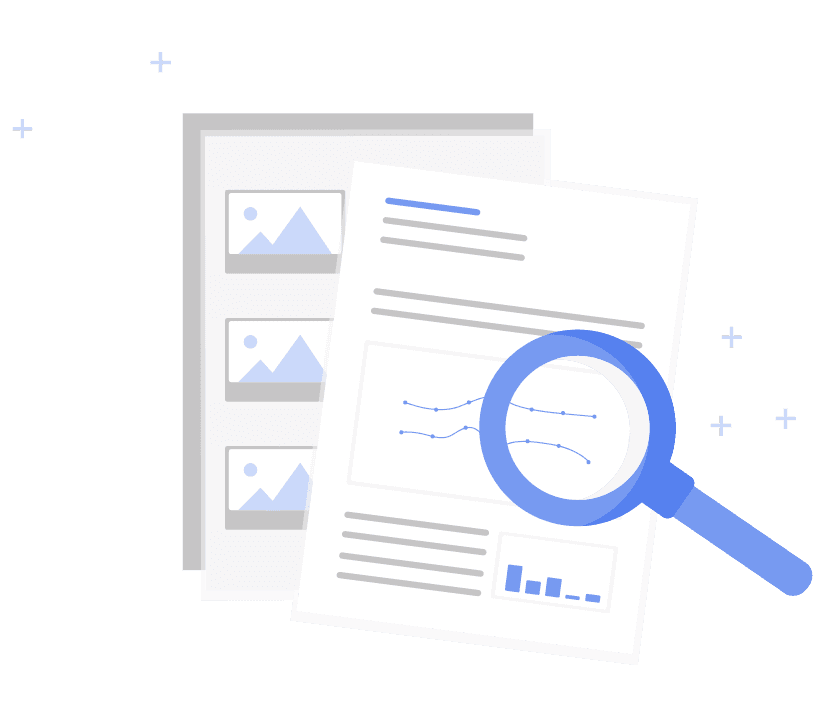
After completing the branding guidelines and brand refresh, I began the Website redesign. The design process included user interviews and desk research to understand how our users and competitors behave.
It was essential to understand the industry and what other companies had to offer. After analysing these insights, I began conceptualising the solution, focusing on the user flows, content, number of stories, and customer & goals.
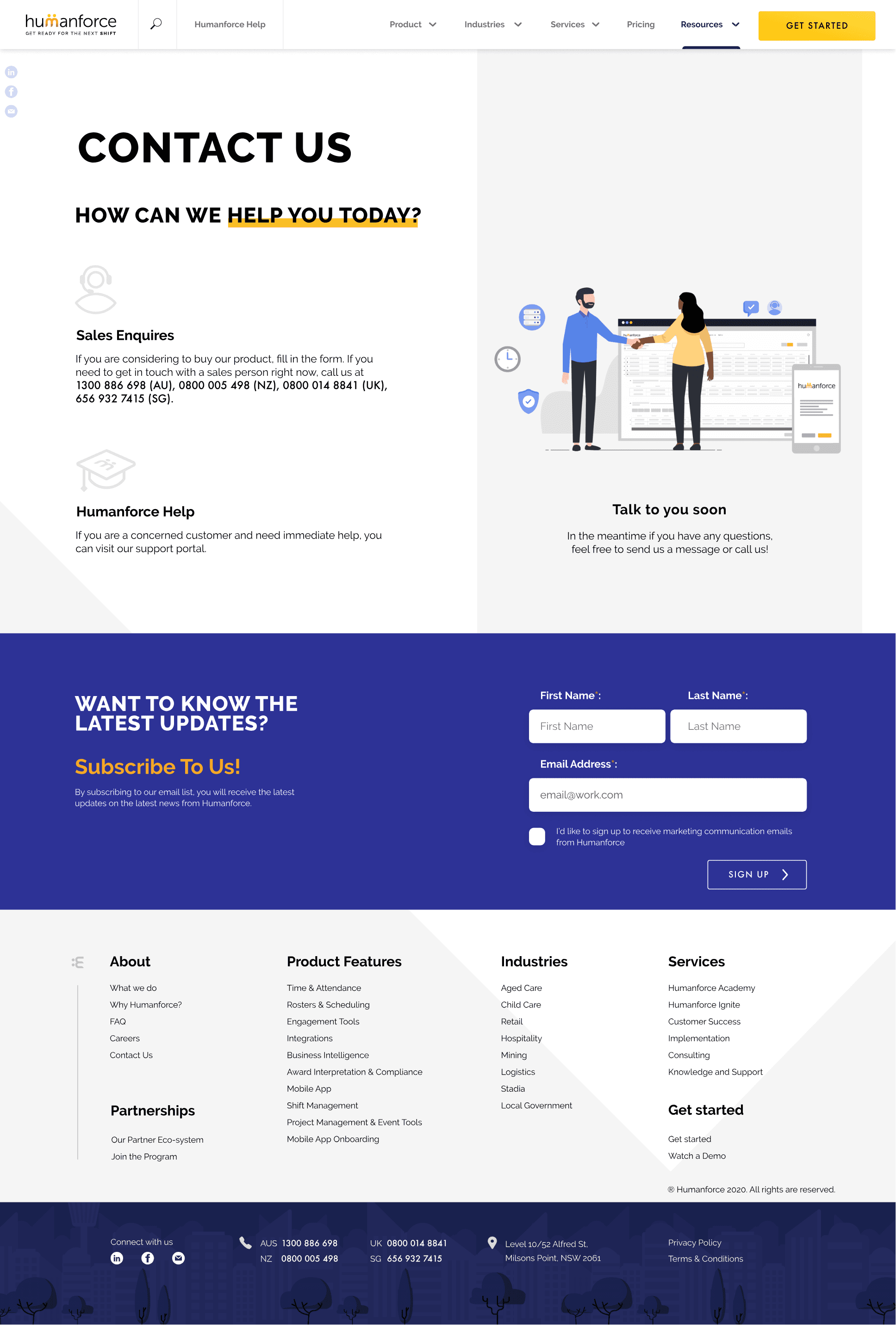
The current website did not offer much, as the latest product mockups were missing, and there was no accurate, detailed information on each feature. Additionally, a 'Contact Us' page was lacking, along with many other essential details. The pages lacked sufficient information, were not mobile-friendly, and the information was crowded and misplaced.
User Interviews
I chose to interview as many people with diverse personalities as possible to learn about their needs and problems. I interviewed people from different backgrounds and asked some of the following questions:
What do you usually look for on our website?
What content are you interested in?
How would you book a demo?
Which industries do we operate in?
What kind of information would keep you on the site?
90 %
Wasn’t aware of the product features
80 %
Didn’t know how to contact Humanforce via the website
75 %
Struggled to find which industries the company operated in.
User Flow
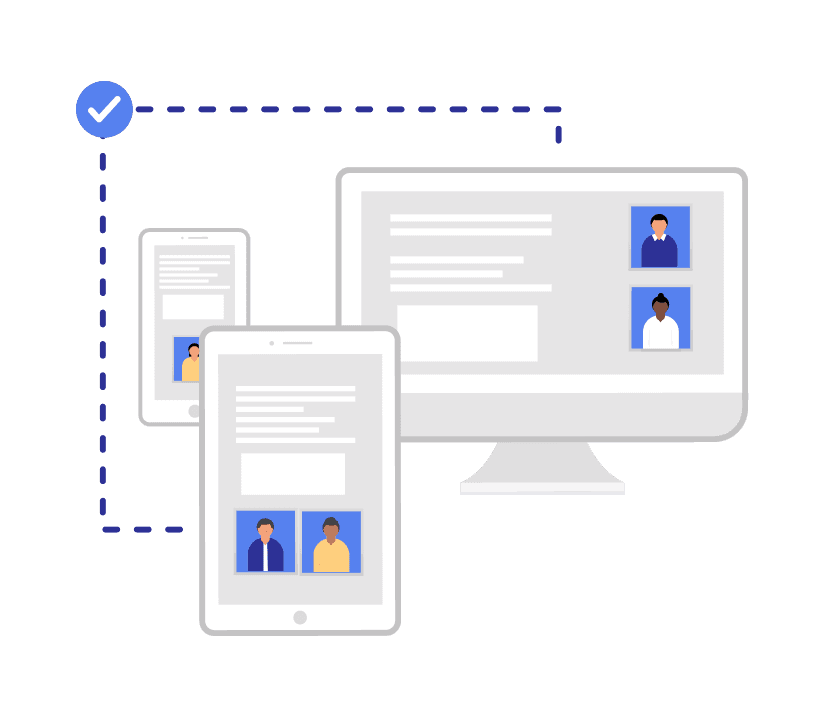
Now that I have gathered some customer and market insights, I moved on to the user flow.
The main point of the flow was to ensure that the product information, industry highlights, and services HF offers are visible to the user, but not in an obstructive way. It needed to spread information on product types, such as web software, app, and kiosk products, and the customer needed to find the contact details as well.
An average user needed to achieve the following: Landing on the home page -> Found information on what solution the product gives to the user’s problem -> What features it offers -> If it is suitable for their company size -> How the customer can contact the company or book a demo.
Design system
As the sole UI designer, I was responsible for producing a design system that reflected the new brand position.
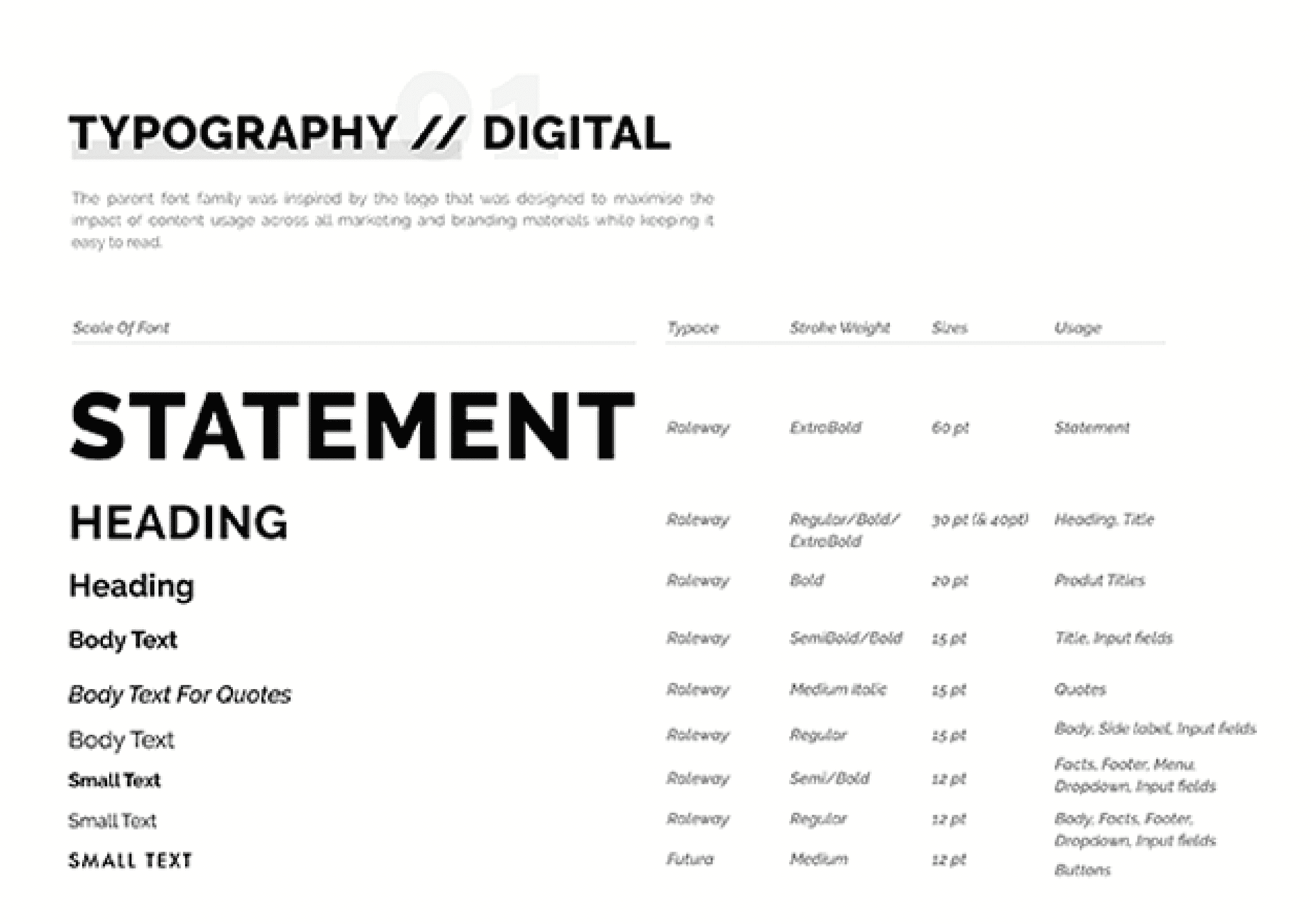
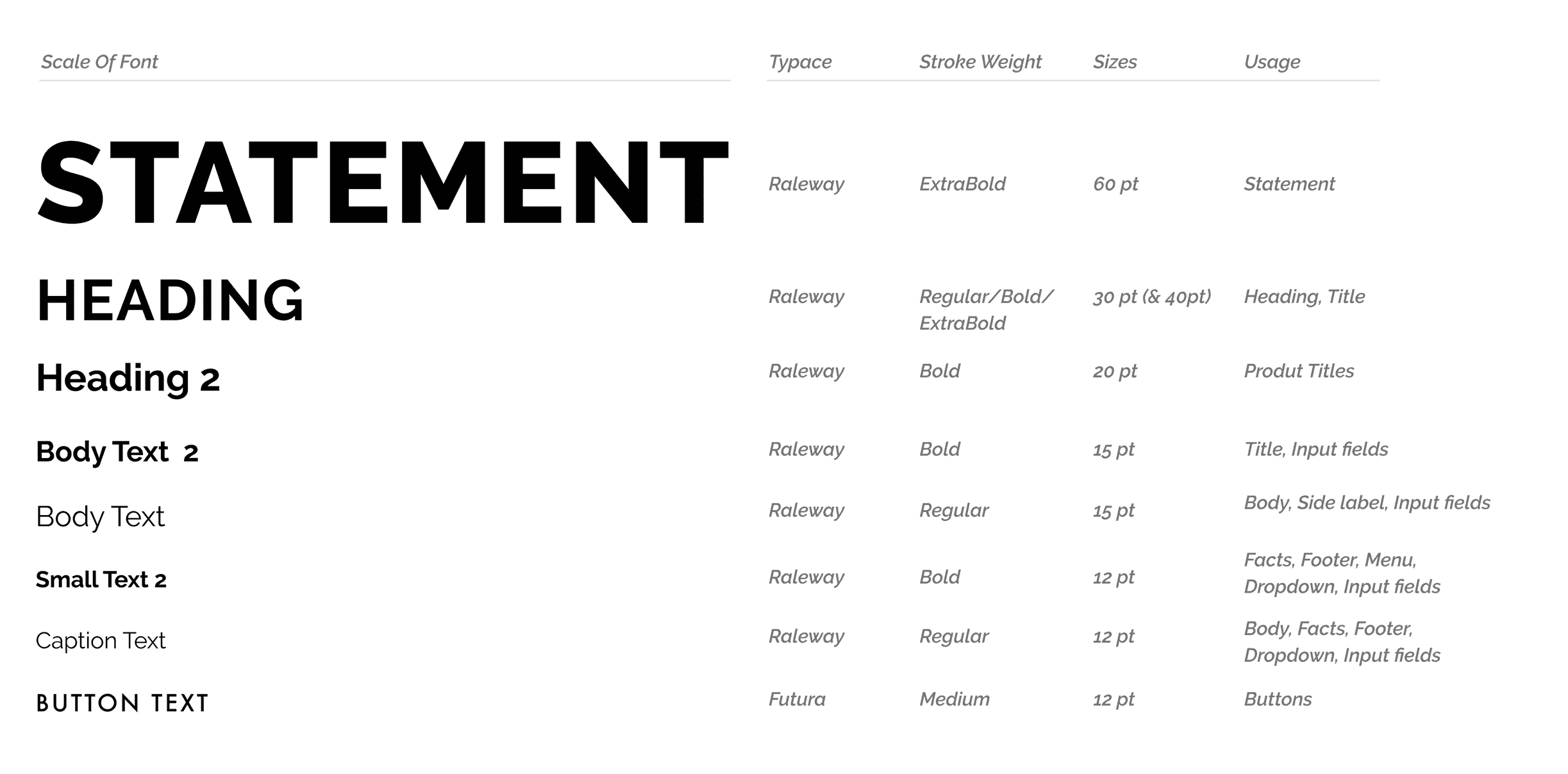
Typography
The parent RALEWAY font family was inspired by a logo designed to maximise the impact of content usage across all marketing and branding materials, while keeping it easy to read.
Colors
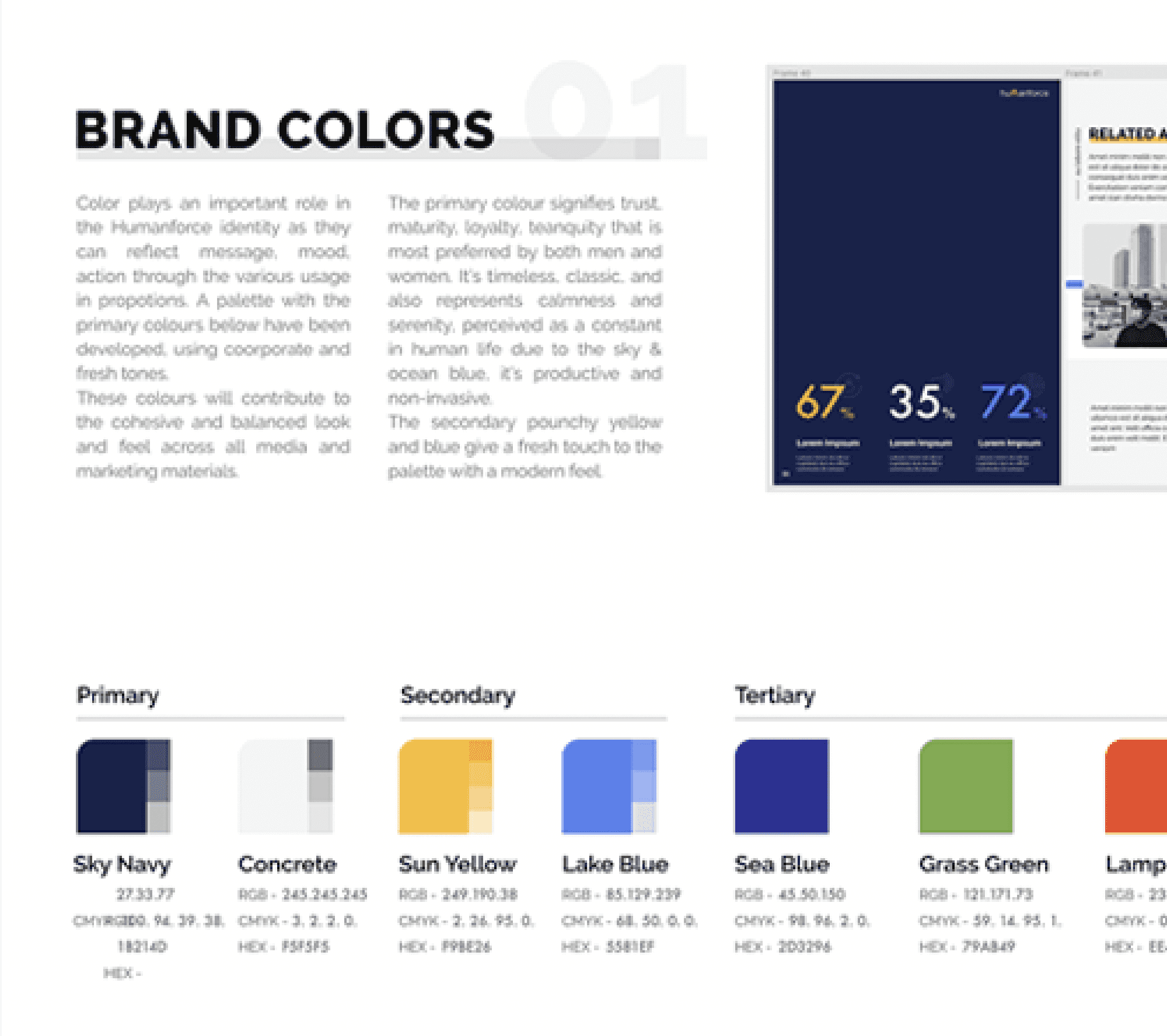
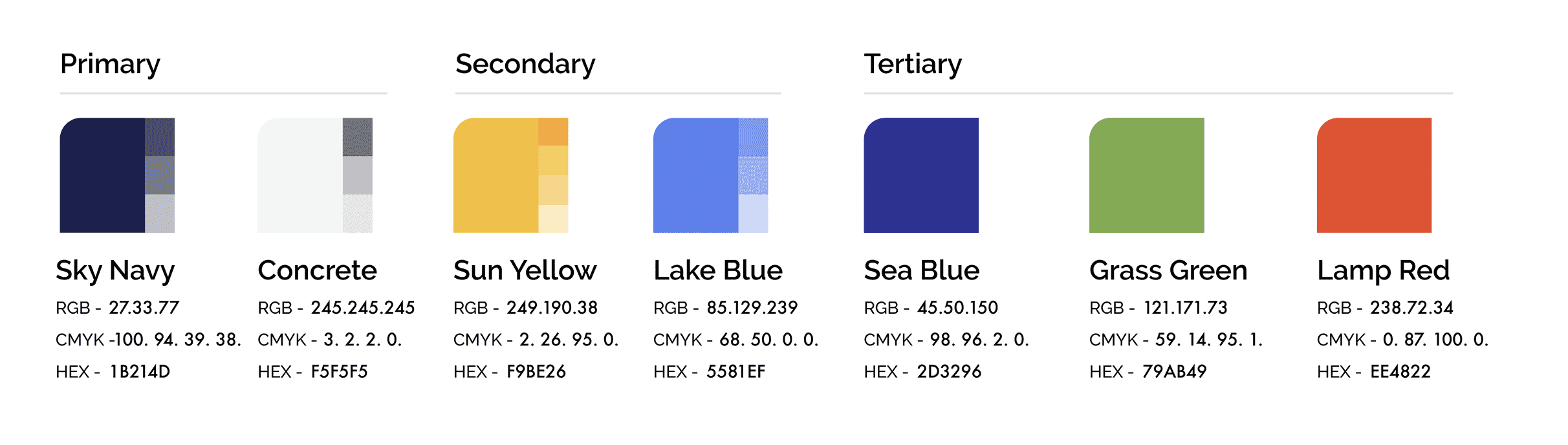
Colour plays a vital role in the Humanforce identity, as it can reflect a message, mood, or action through its various uses in proportions.
The primary colours signify trust, maturity, and loyalty; they are classic colours and also represent calmness. The secondary yellow and blue add a fresh touch to the palette, giving it a modern feel while retaining the original yellow signature look of Timetarget.
Accessibility
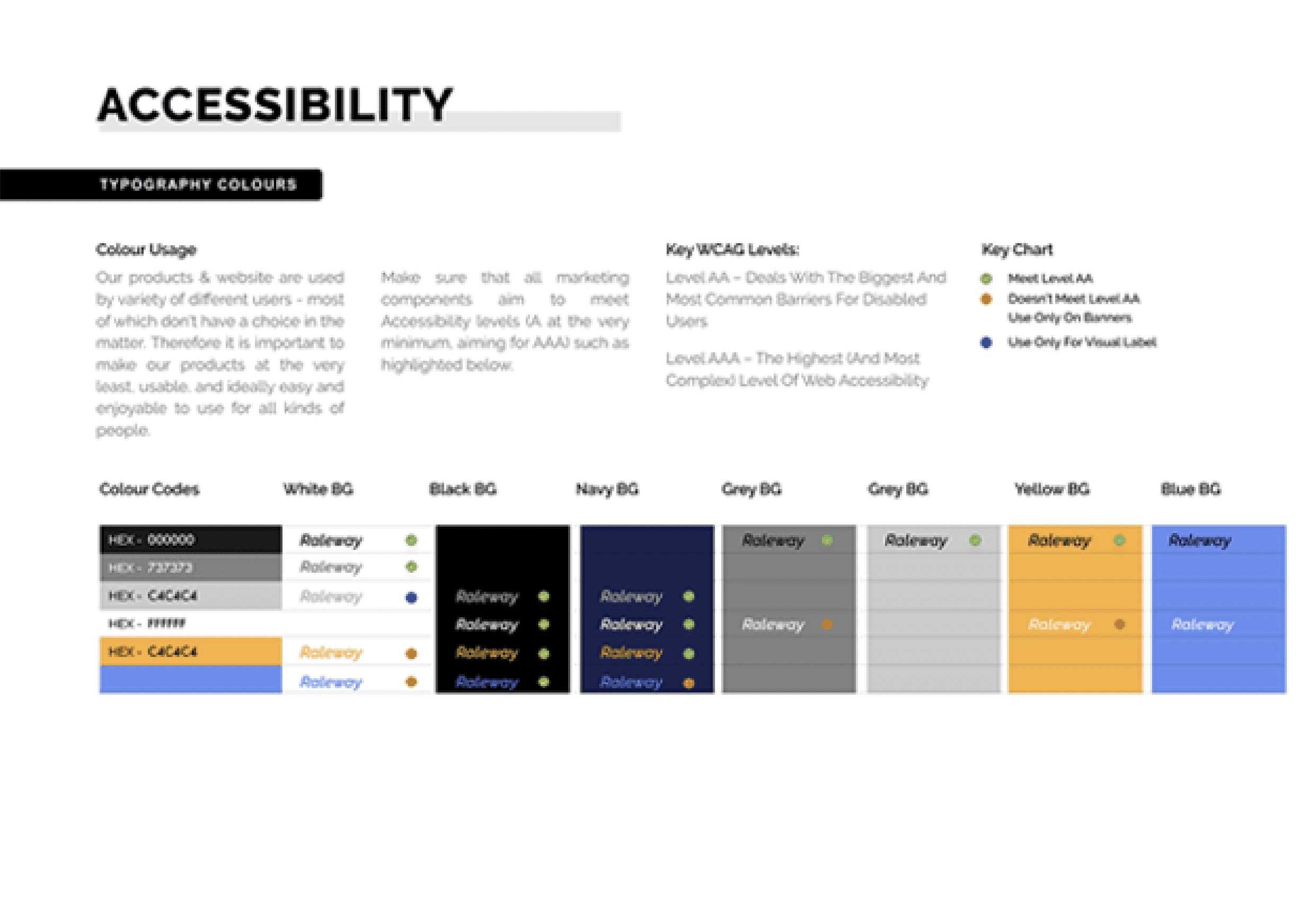
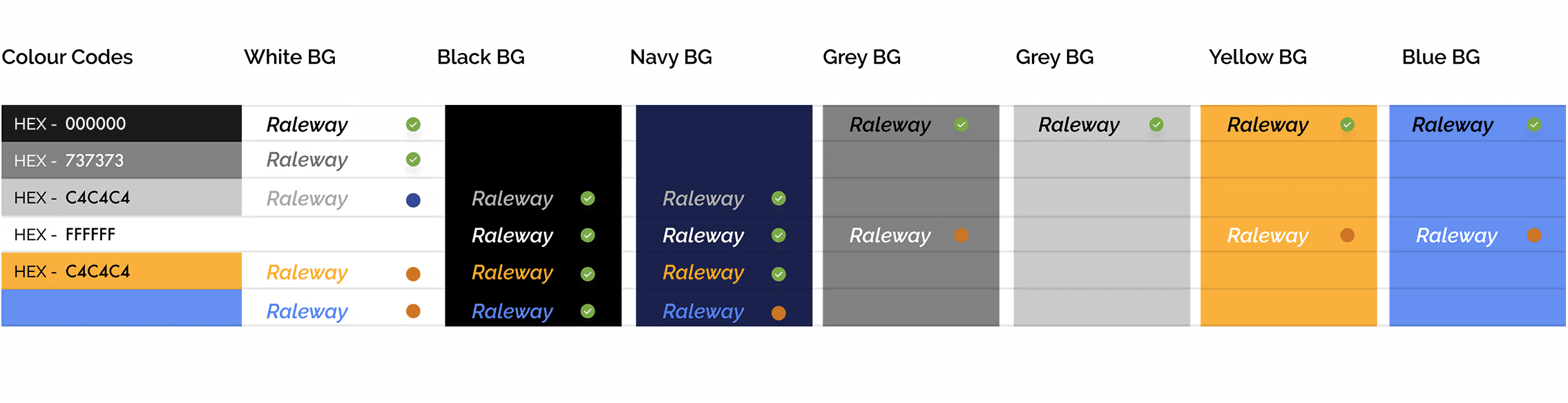
The products & website are used by a variety of different users - most of whom don't have a choice in the matter. Therefore, it is essential to make the products at the very least usable, and ideally easy and enjoyable to use for all kinds of people.
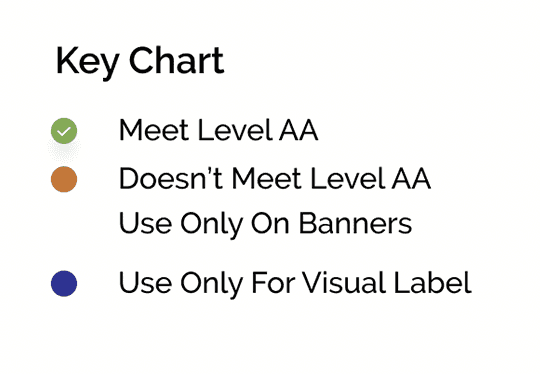
The design aims to meet Accessibility levels (A at the very minimum, aiming for AAA), as highlighted below.
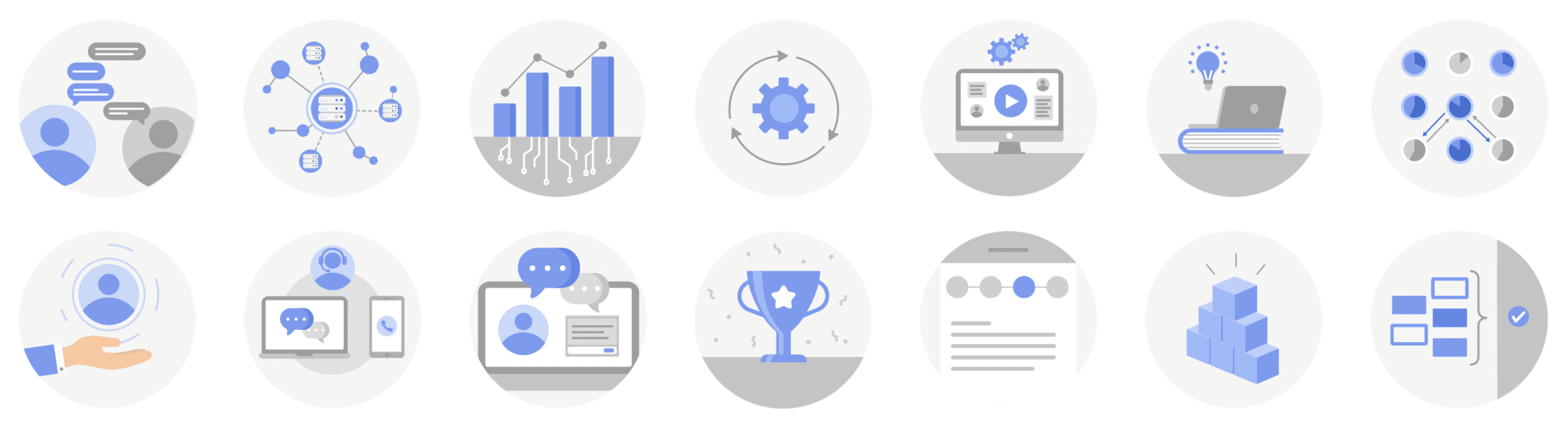
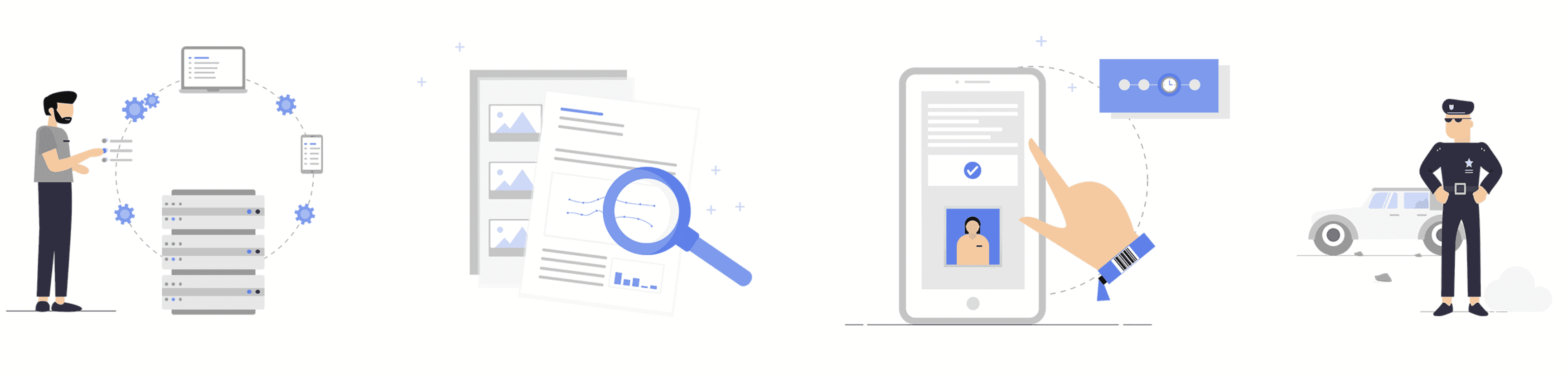
Icon & Illustration library
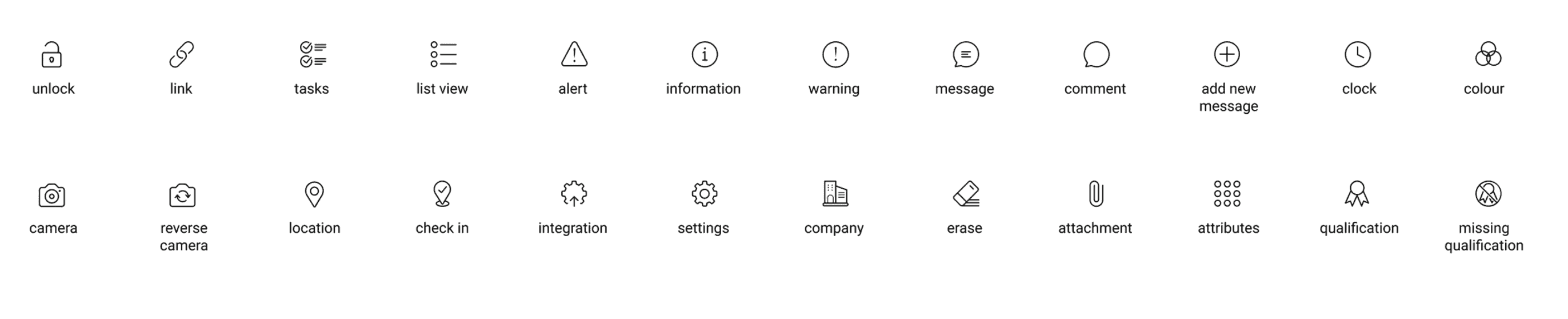
Produced 60+ icons, 20+ pictograms, 10+ illustrations.
The icon library was created to help users understand the content more effectively with supportive visuals, thereby explaining the story.

Design phase
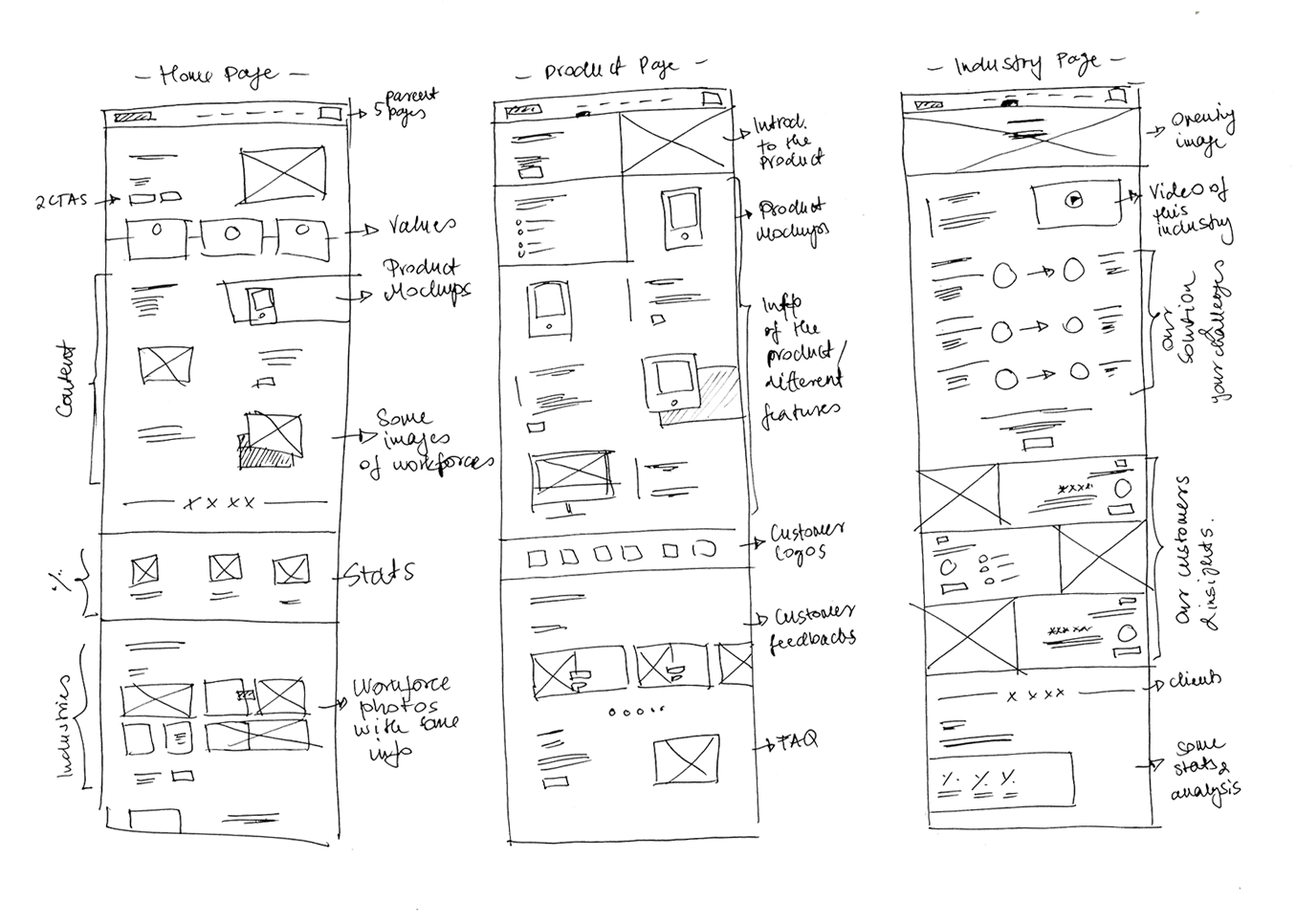
I began to sketch wireframes on paper and created user flows with the most important goals that customers wanted to achieve when they landed on the site.
06
Accessibility system
Since the product was heading towards meeting the AA WCAG levels to be more accessible for older and disabled people, the website also needed to be purposeful with every component it had.
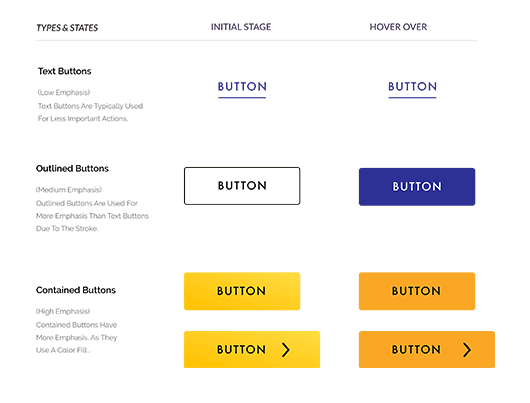
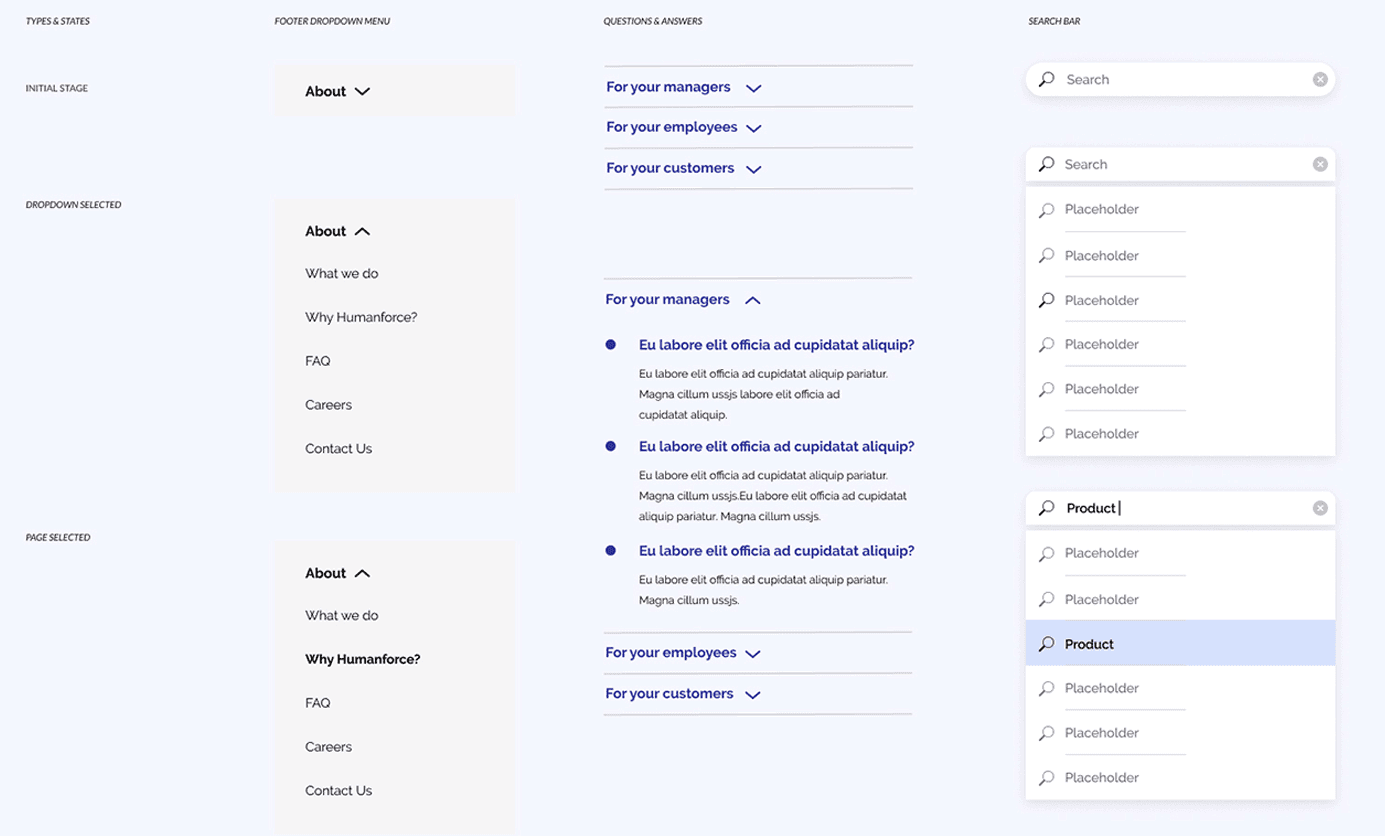
Component system
Since the product was heading towards meeting the AA WCAG levels to be more accessible for older and disabled people, the website also needed to be purposeful with every component it had.
Because our target customers were generally managers or Chief Officers who wanted to get in touch with Humanforce, they had limited time to browse through and find the information they needed. The interface had to be as simple as possible, with the most essential details that the user looked for.
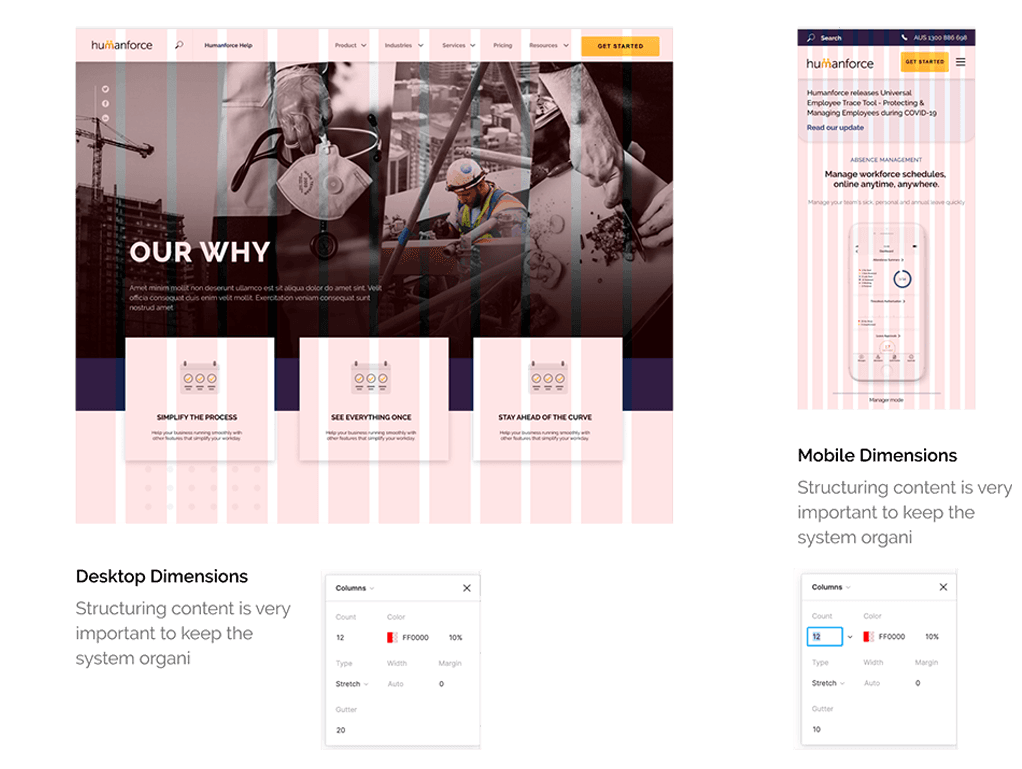
Since more than 25% of our visitors found our site on their mobile devices, it needed to be mobile-friendly, responsive, and work on tablets and other devices as well.
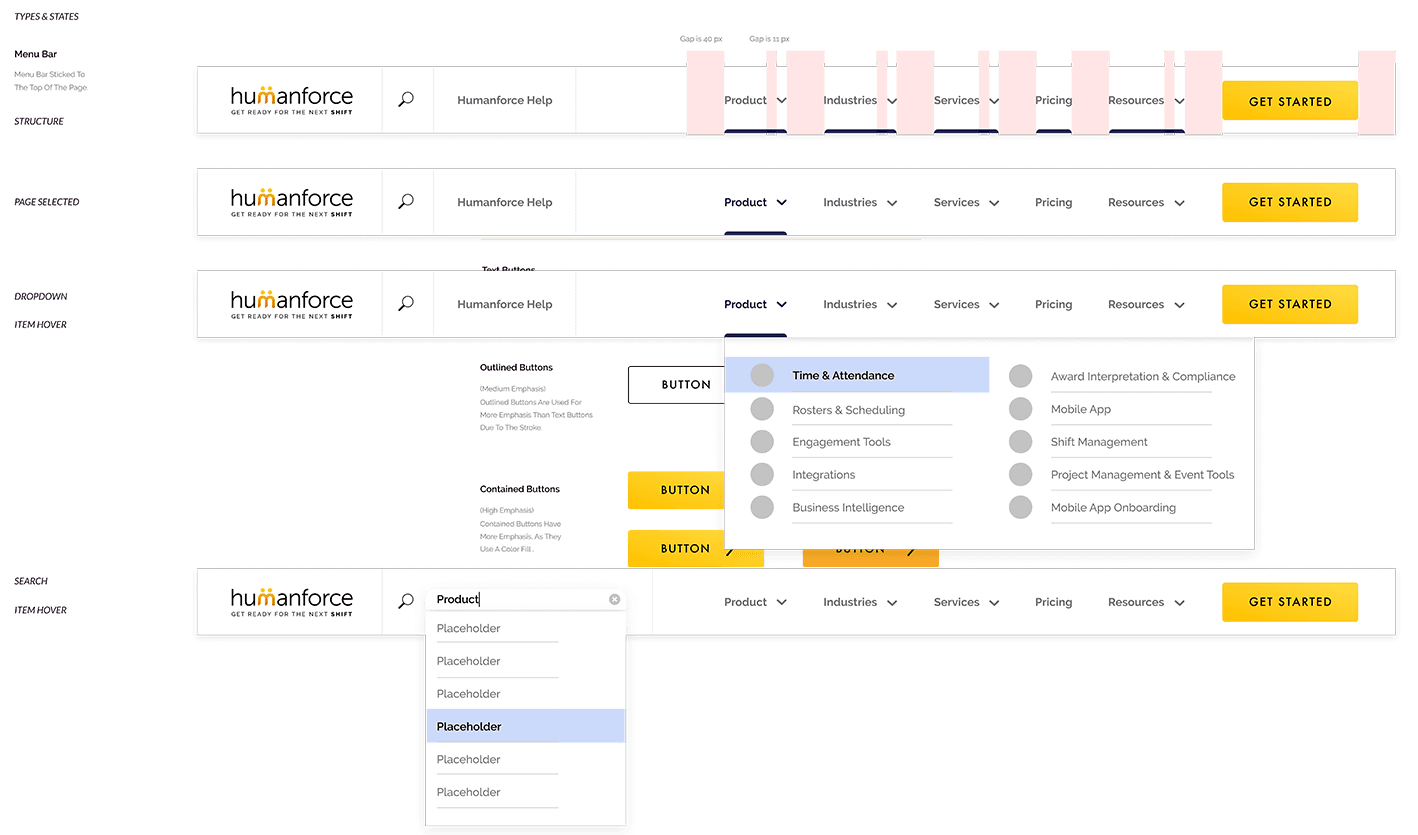
I began creating a grid system, both for mobile and desktop, incorporating all the necessary components.
The font sizes had to be big enough for any age group to be readable.
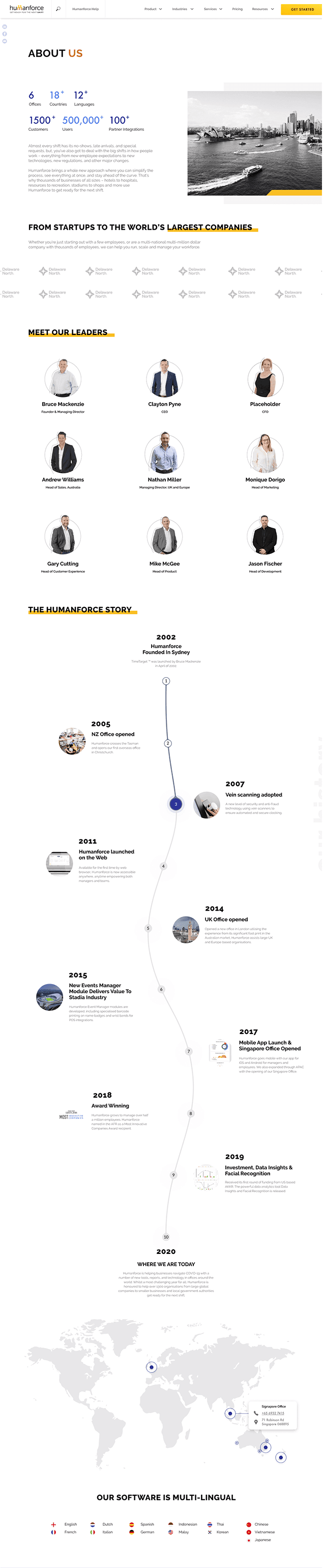
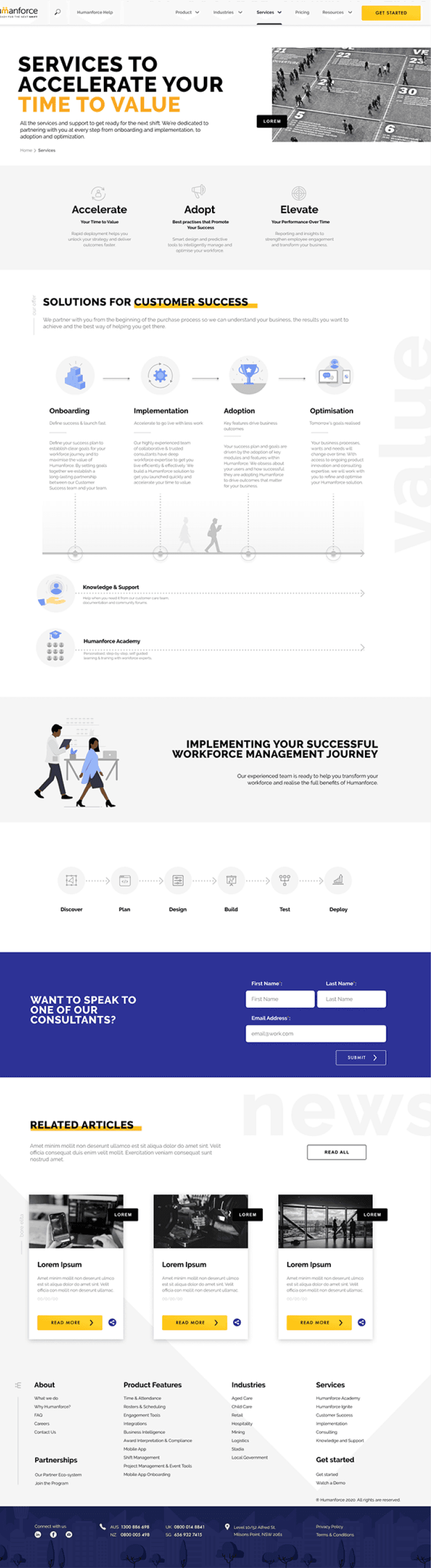
The menu bar contained the parent pages with product types & features, industries, services, pricing, resourcing, and contact details.
After realising that it’s hard to know if these components will work perfectly on the screens, I began designing them on the actual wireframes in Figma, first in black and white and then colouring them in eventually.

Sketching & prototyping
The first wireframes were very basic, focusing only on the most important, critical topics and elements that these pages needed to include.
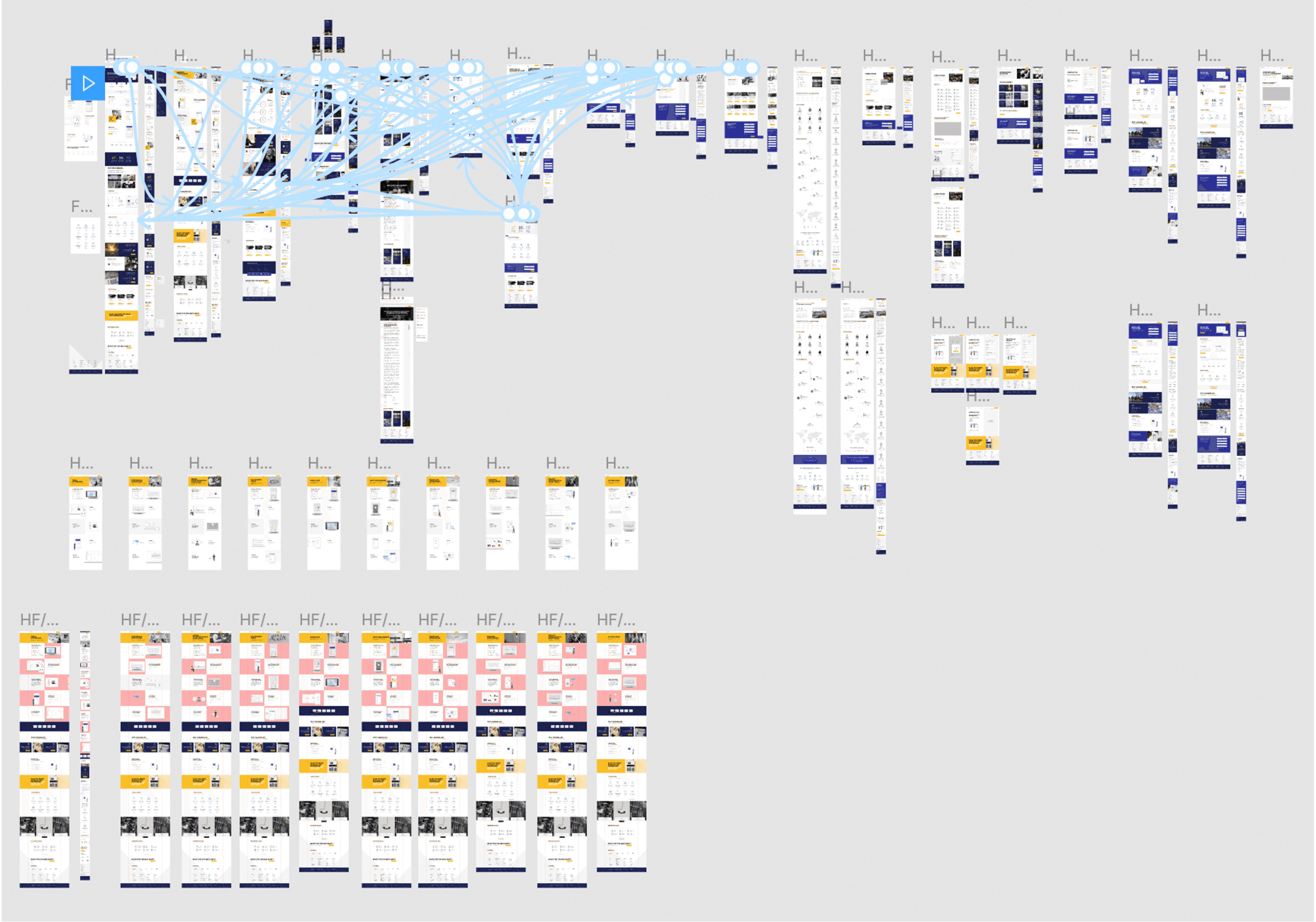
I used pen and paper at the beginning, then moved on to creating these in Figma, and then tested them with a basic animated prototype to see if users could find the places where they needed to come in the scenarios.
From the first testing, I found some mistakes and missing information that I needed to add, so the website wireframes started to improve.
<Ready for dev> designs
Our offshore developers eventually built the high-fidelity wireframes, and the website launched successfully. It has been a fascinating project, as with the company’s history, it was the most significant brand refresh that has brought much attention to the business.
Chatbot
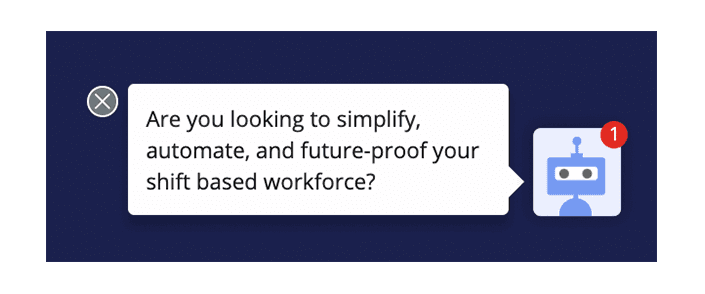
Used conversational marketing to help users find the information they need and also increase conversion rates. We have built different chatbots for other pages, allowing the message to be customised depending on whether people are on a product page or a form.




<Ready for dev> designs
08
As always, this project was full of surprises, the launch date got pushed back by a month, approval stages were not as consistent and components needed to change along the time.
However, trials and errors helped to improve the site and encouraged more customers to discover the products with increased conversion rates and better SEO. Furthermore, more customers booked demo and made business with Humanforce by earning trust in the product via the well documented new site.
I’ve learnt that thinking outside of the box and approaching problems with a new innovative way can lead you to faboulus results.
Check out the live site on www.humanforce.com
15%
15% increase in average session duration between dec19 to dec20.
10%
10% increase in total website users between dec19 to dec20.
43%
Page views from 1st week of Jan 20 compared with Jan 21 increased 43%.

Thank you for passing by!